Tiling Engine Hot-Swapping in Hyprland
For a long time, I treated Hyprland’s default layout engine, Dwindle, as an unquestioned standard. It worked. You open a window, it splits the screen. You open another, it splits again. It is organic, fractal, and chaotic.
Recently, while building a landing page for a friend, that chaos became a liability. I needed a highly specific, static geometry: the browser dead centre, my terminal on the right, and my notes on the left. While you can manually resize and shove windows into a semblance of this layout using Dwindle, it lacks mathematical permanence. The moment you open a fourth window to check a reference, the fractal algorithm kicks in and destroys your geometry.
I needed mathematical accuracy. I needed the system to enforce the layout, rather than fighting the system to maintain it.
This led me to abandon Dwindle for structured work and adopt Hyprland’s Master layout, specifically configured for a centred orientation.
The Centred Master
The Master layout enforces a strict visual hierarchy. It designates a primary “master” zone that occupies a fixed mathematical percentage of the screen, and relegates all subsequent windows into subservient “stack” columns.
By setting the orientation to center, the master window is locked in the middle of the monitor, while the stacks form neat pillars in your peripheral vision on the left and right.
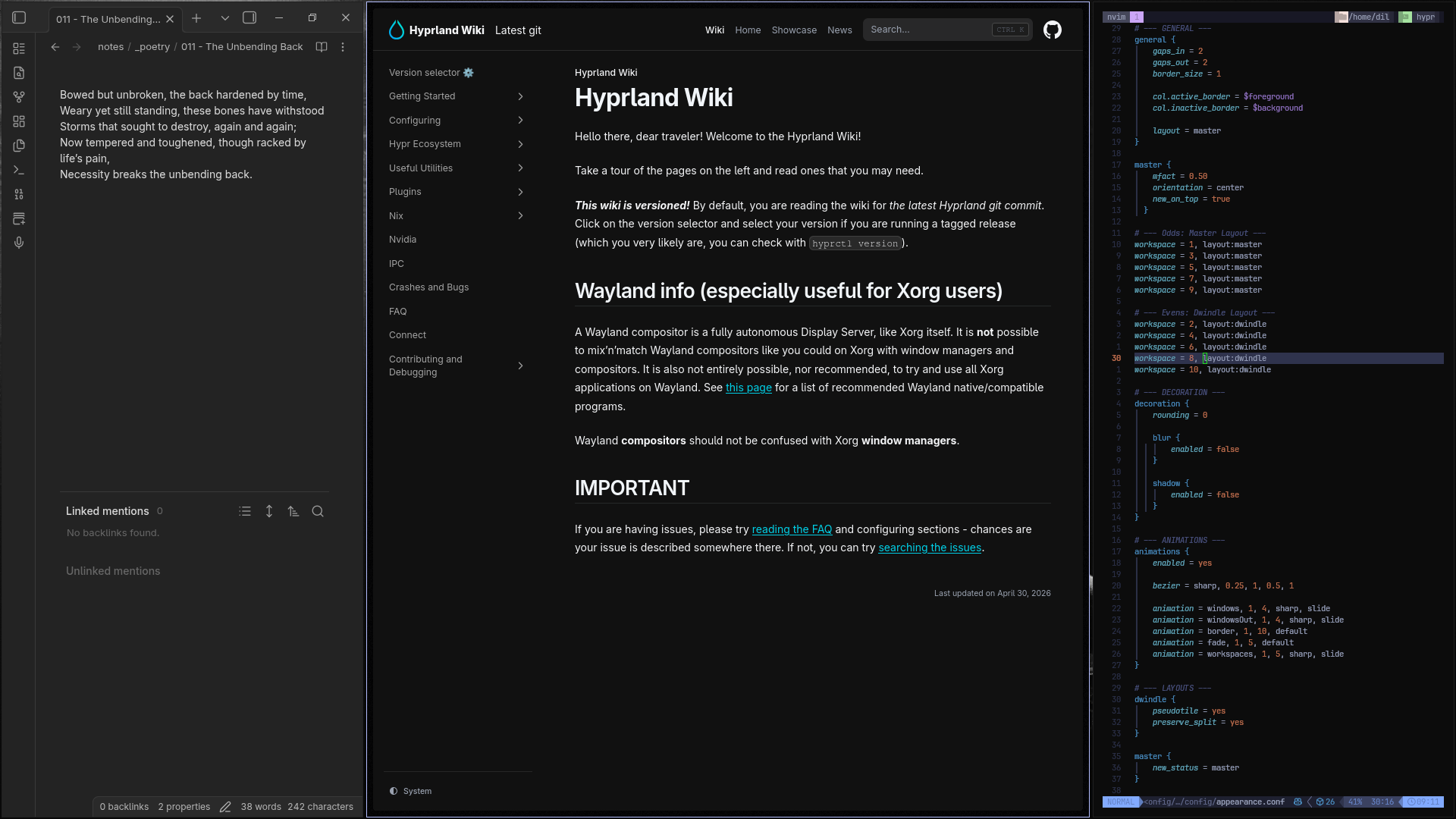
A mathematically precise workspace: 50% central focus, 25% peripheral reference columns.
Workspace Engine Swapping
I realised I did not have to choose between the predictable structure of the Master layout and the organic chaos of Dwindle. Hyprland allows you to declare global layout overrides on a per-workspace basis.
I hardcoded my environment to swap engines dynamically. The odd workspaces (1, 3, 5, 7, 9) are strictly governed by the Master layout for development and writing. The even workspaces (2, 4, 6, 8, 10) default to Dwindle for ad-hoc browsing and terminal tasks.
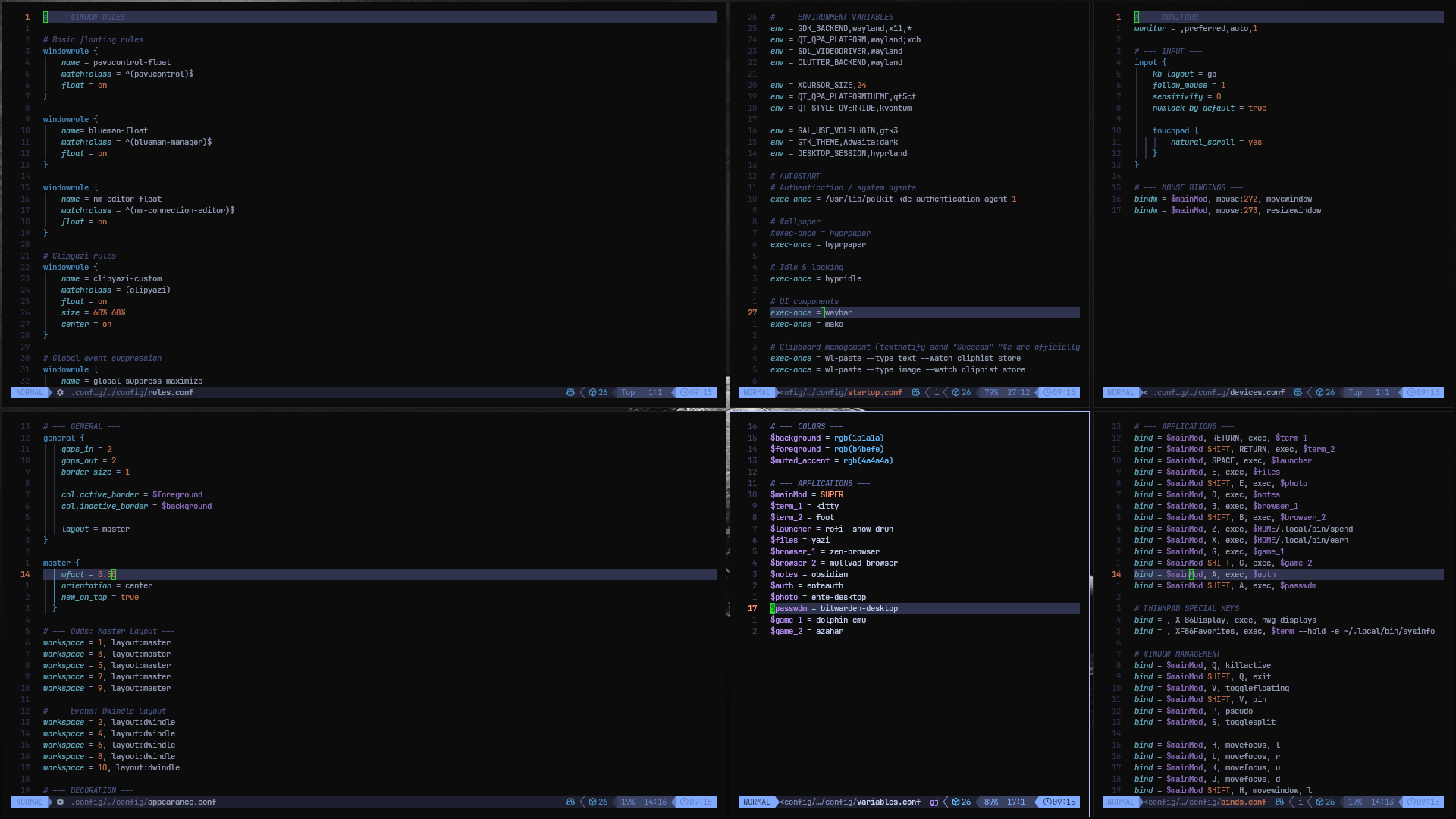
The Dwindle engine running on an even workspace, dividing space recursively.
The Configuration
Below is the exact appearance.conf required to achieve this environment. It enforces the centred master, dictates the workspace rules, and strips out all visual noise–no rounding, no blur, no drop shadows. Just functional geometry snapping into place.
# GENERAL
general {
    gaps_in = 2
    gaps_out = 2
    border_size = 1

    col.active_border = $foreground
    col.inactive_border = $background

    layout = master
}

# DECORATION
decoration {
    rounding = 0

    blur {
        enabled = false
    }

    shadow {
        enabled = false
    }
}

# ANIMATIONS
animations {
    enabled = yes
    bezier = sharp, 0.25, 1, 0.5, 1
    animation = windows, 1, 4, sharp, slide
    animation = windowsOut, 1, 4, sharp, slide
    animation = border, 1, 10, default
    animation = fade, 1, 5, default
    animation = workspaces, 1, 5, sharp, slide
}

# LAYOUT ENGINES
master {
    mfact = 0.50
    orientation = center
    new_on_top = true
    new_status = master
}

dwindle {
    pseudotile = yes
    preserve_split = yes
}

# WORKSPACES

# odds: master layout
workspace = 1, layout:master
workspace = 3, layout:master
workspace = 5, layout:master
workspace = 7, layout:master
workspace = 9, layout:master

# evens: dwindle layout
workspace = 2, layout:dwindle
workspace = 4, layout:dwindle
workspace = 6, layout:dwindle
workspace = 8, layout:dwindle
workspace = 10, layout:dwindle

# MISCELLANEOUS
misc {
    force_default_wallpaper = 0
    disable_hyprland_logo = true
}